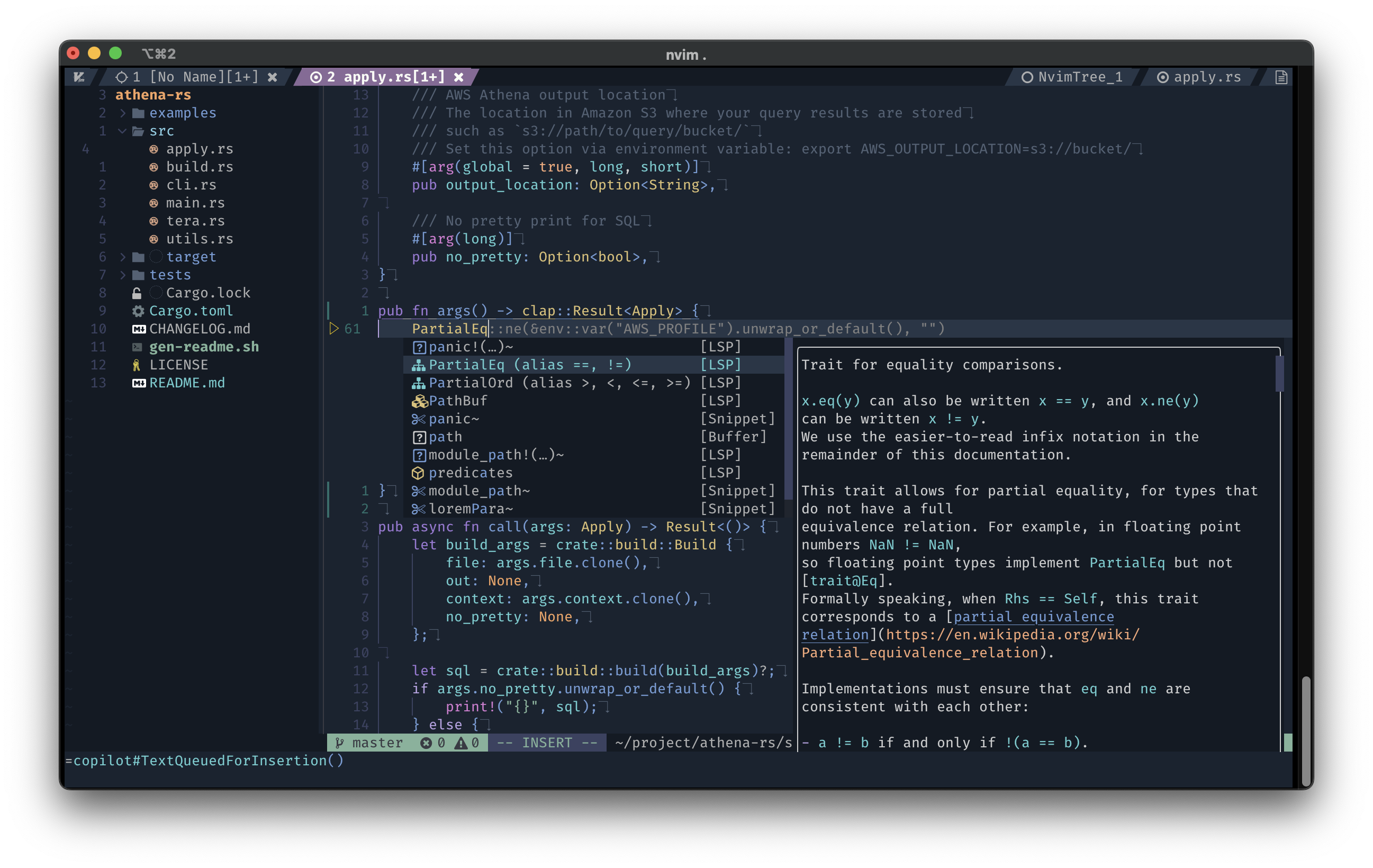
Migrating from Vim to NeoVim
MarkdownView HTML version
I have switched VSCode entirely to Vim for six months. VSCode is a great editor and very powerful, but I need something that makes me more productive. I used to learn how to use Vim many times since I was at university, but I gave up.
But this time was different, I made it more serious, and I thought I had completed two goals: use 100% Vim and the speed of using Vim on par with the time of using VSCode.
<figure class="float-right" style="width: 600px">
<img src="/media/2021/06/vim-learning-curve-duyet.png" />
<img src="/media/2021/06/using-vim.png" style="border: 1px" />
</figure>
This week I give it a chance to migrate to NeoVim. There are many reasons for me to make a decision:
- Programs can interact with neovim using a remote API.
- Strong default settings.
- It can be running in many GUIs, IDEs, web browsers.
- It fixes every issue I have with Vim.
- Executing jobs/tasks asynchronously to improve performance.
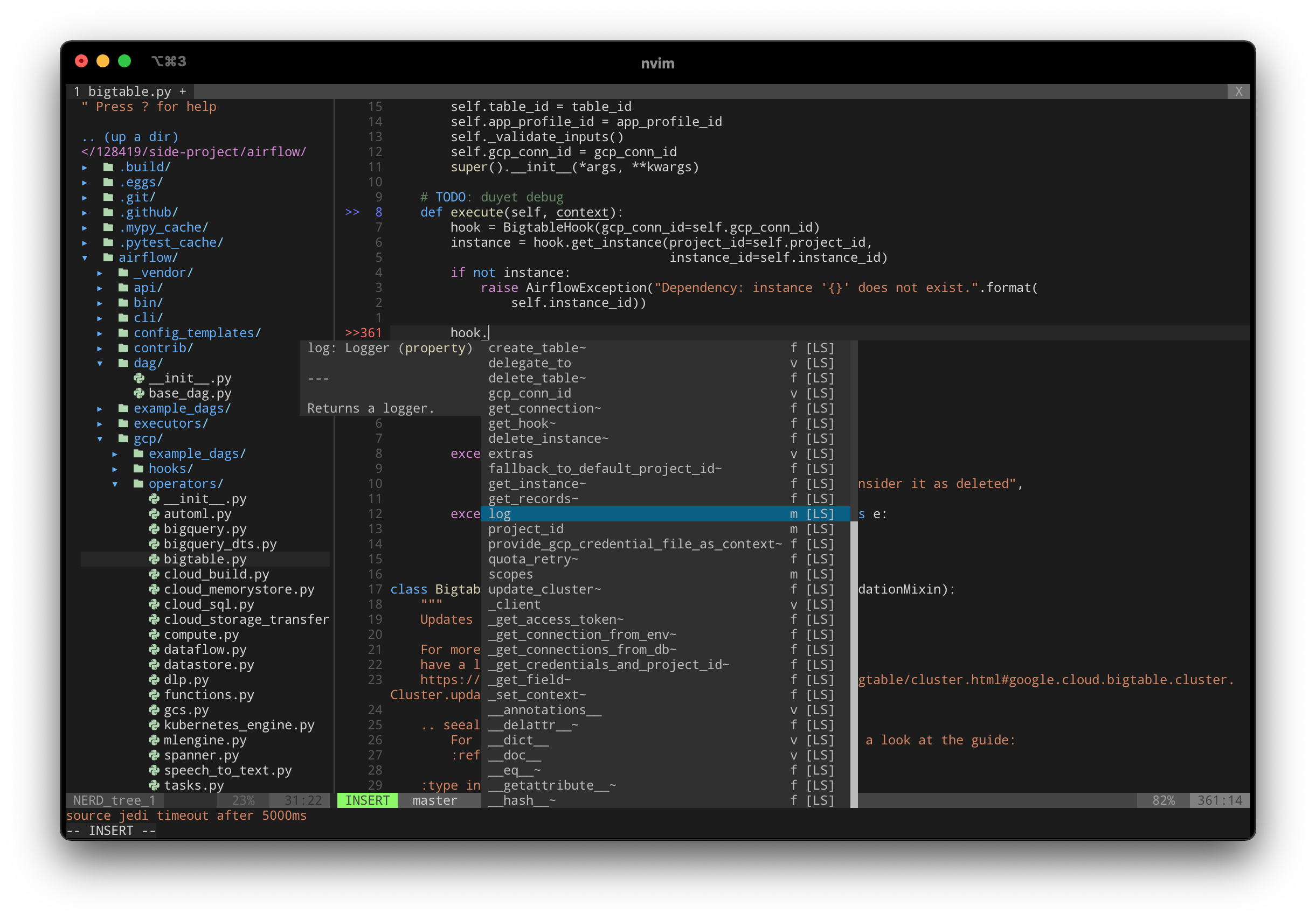
- The NeoVim config and plugin are fully compatible with Vim.
- A nice website :)
# Downloading
NeoVim can be installed in many ways, according to the Wiki: https://github.com/neovim/neovim/wiki/Installing-Neovim.
I'm using Homebrew to install on my Mac:
```bash
brew install neovim
```
# NeoVim config
And you will not need to install the plugins or configure everything again.
If you wish to migrate your existing Vim configuration to NeoVim, simply copy your ~/.vimrc to ~/.config/nvim/init.vim.
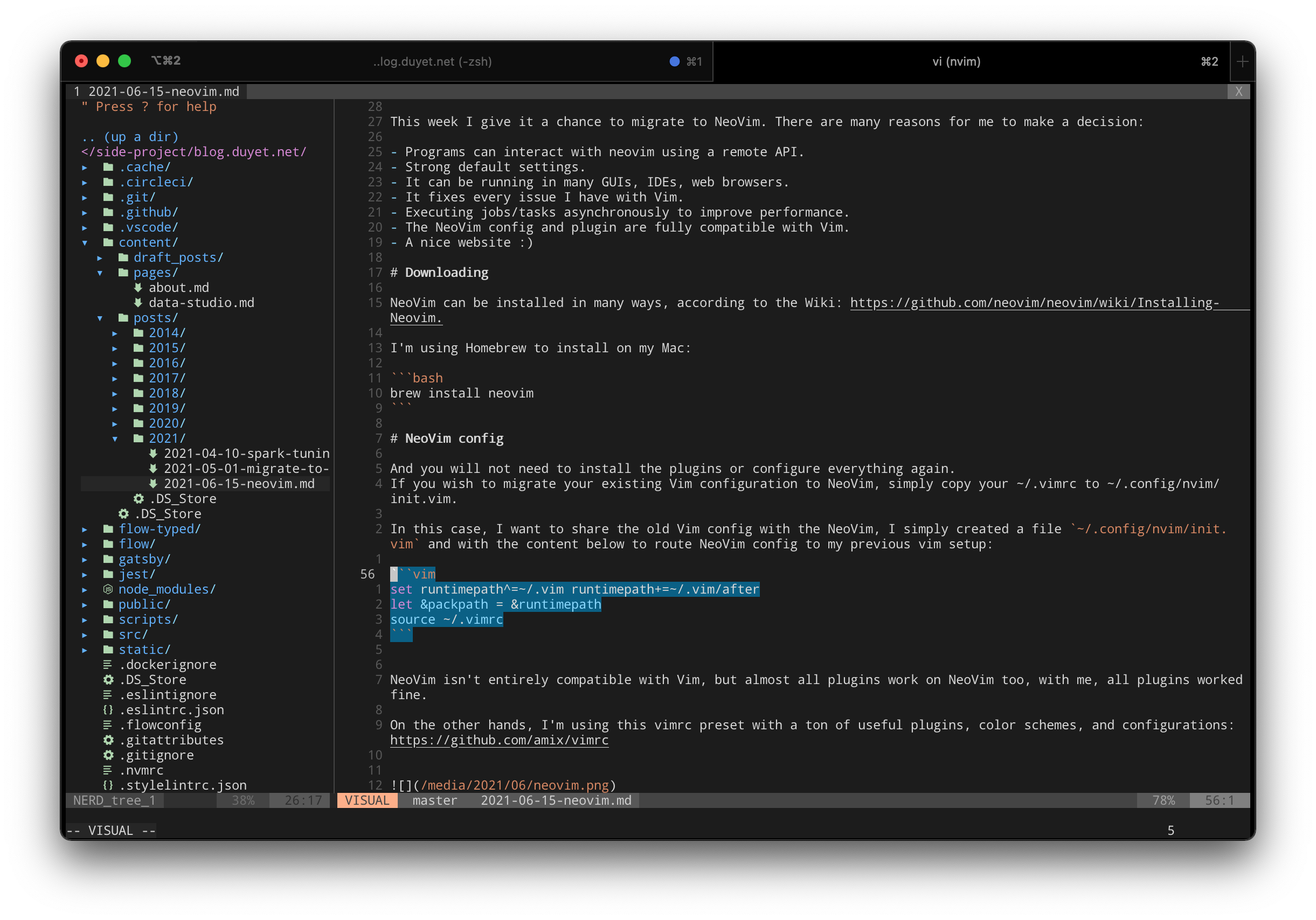
In this case, I want to share the old Vim config with the NeoVim, I simply created a file `~/.config/nvim/init.vim` and with the content below to route NeoVim config to my previous vim setup:
```vim
set runtimepath^=~/.vim runtimepath+=~/.vim/after
let &packpath = &runtimepath
source ~/.vimrc
```
NeoVim isn't entirely compatible with Vim, but almost all plugins work on NeoVim too, with me, all plugins worked fine.
On the other hands, I'm using this vimrc preset with a ton of useful plugins, color schemes, and configurations: https://github.com/amix/vimrc
And the final thoughts, NeoVim has some plugins that take advantage of specific NeoVim features, and you can check it [here](https://github.com/neovim/neovim/wiki/Related-projects).
---
_Updated Aug 2021_
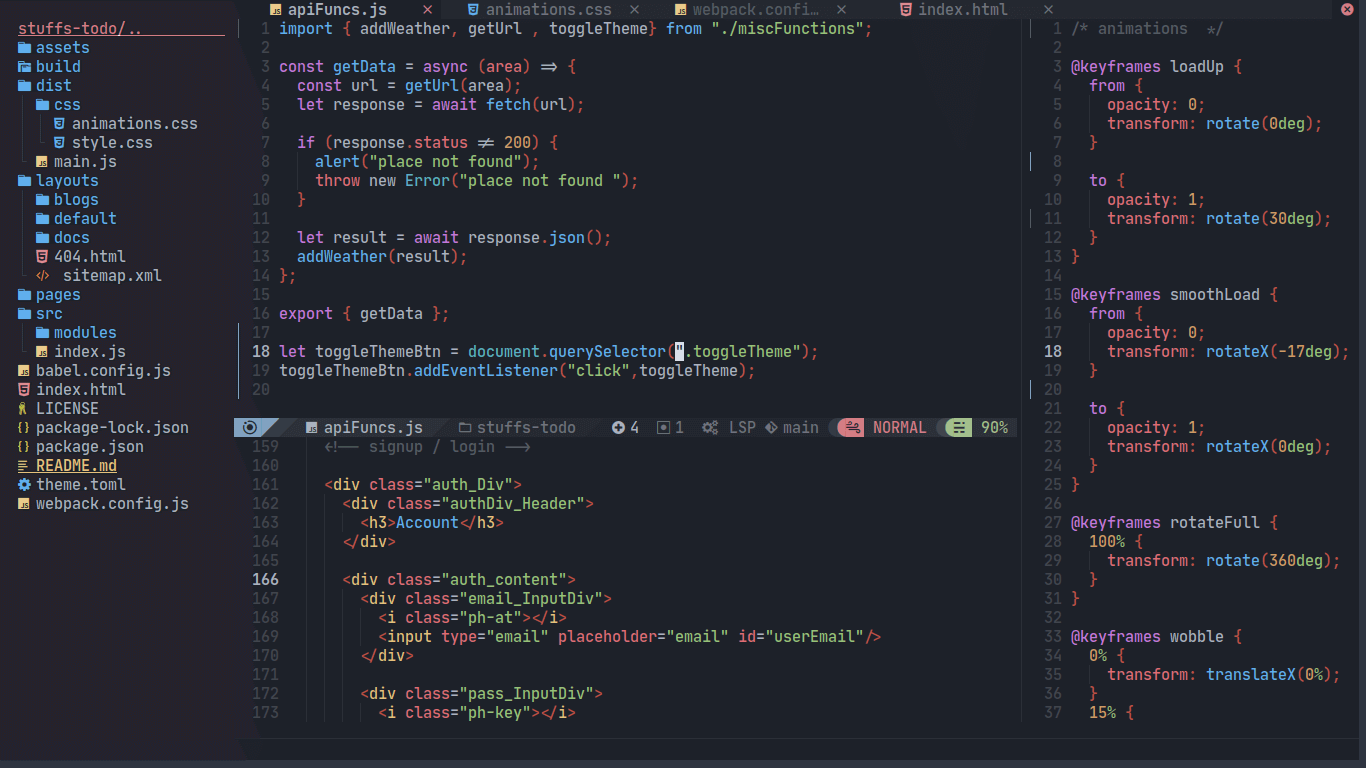
I just switched to NvChad (https://nvchad.netlify.app) shipped with a beautiful GUI and many settings. You can give it a try.
---
_Updated Aug 2023_
Moved to own setup: [My Neovim Setup in 2023](https://blog.duyet.net/2023/09/nvim-setup-2023.html)