Bitbucket Pipelines Notes
MarkdownView HTML version
Bitbucket Pipelines document is fragmented everywhere. It always makes me search for a while every time I write a new one for CI/CD. So I'll make a few notes here.
# Tips and tricks
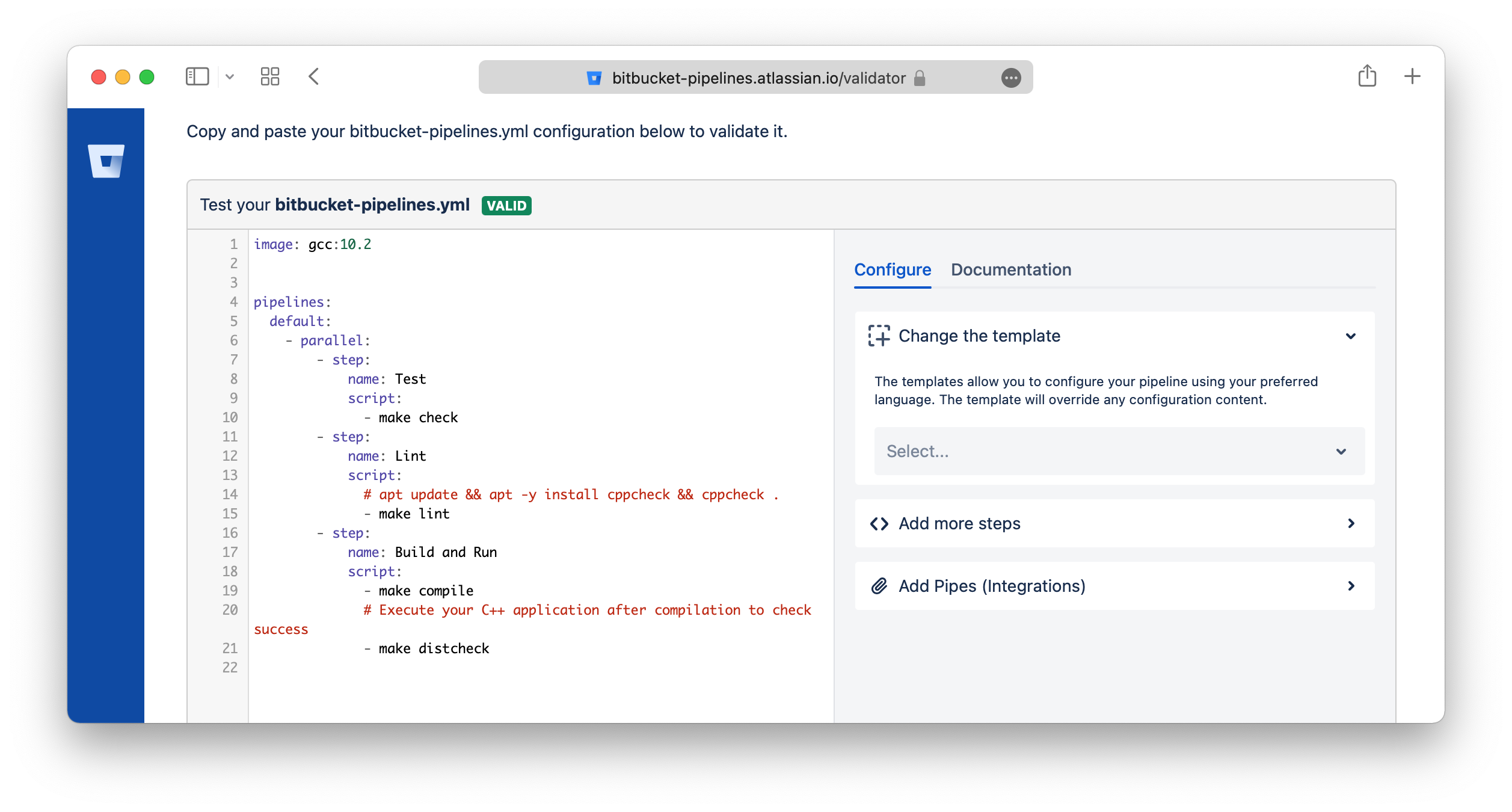
## Bitbucket Validator Tool
You can validate the bitbucket-pipelines.yml YAML format by using this tool:
https://bitbucket-pipelines.atlassian.io/validator
## Skip trigger the pipelines
You can include `[skip ci]` or `[ci skip]` anywhere in your commit message of the HEAD commit.
Any commits that include `[skip ci]` or `[ci skip]` in the message are ignored by Pipelines.
Ref: https://support.atlassian.com/bitbucket-cloud/docs/bitbucket-pipelines-faqs/
# Configure bitbucket-pipelines.yml
## Build on branch
```yaml
pipelines:
branches: # Pipelines that run automatically on a commit to a branch
staging:
- step:
script:
- ...
```
## Pull Requests
```yaml
pipelines:
pull-requests:
'**': #this runs as default for any branch not elsewhere defined
- step:
script:
- ...
feature/*: #any branch with a feature prefix
- step:
script:
- ...
```
## Parallel
```yaml
pipelines:
branches:
master:
- step: # non-parallel step
name: Build
script:
- ./build.sh
- parallel: # these 2 steps will run in parallel
- step:
name: Integration 1
script:
- ./integration-tests.sh --batch 1
- step:
name: Integration 2
script:
- ./integration-tests.sh --batch 2
```
## Reuse steps
```yaml
definitions:
steps:
- step: &build-test
name: Build and test
script:
- yarn && yaml build
pipelines:
branches:
develop:
- step: *build-test
main:
- step: *build-test
master:
- step:
<<: *build-test
name: Testing on master
```
Override values
```yaml
definitions:
steps:
- step: &build-test
name: Build and test
script:
- yarn && yaml build
pipelines:
branches:
develop:
- step:
<<: *build-test
name: Testing on master
```
## Reuse scripts
```yaml
definitions:
scripts:
- script: &script-build-and-test |-
yarn
yarn test
pipelines:
branches:
develop:
- step:
name: Build and test and deploy
script:
- export NODE_ENV=develop
- *script-build-and-test
```
## Script multiple lines
Using [literal style block scalar](https://yaml.org/spec/1.2/spec.html#id2795688):
```yaml
pipelines:
branches:
develop:
- step:
name: Build and test and deploy
script:
- |
export NODE_ENV=develop DEBUG=false
yarn
yarn test
yarn build
```
or [folder block style](https://yaml.org/spec/1.2/spec.html#id2796251):
```yaml
pipelines:
branches:
develop:
- step:
name: Build and test and deploy
script:
- >
export NODE_ENV=develop DEBUG=false
yarn
yarn test
yarn build
```
## Using service for one step
```yaml
pipelines:
branches:
develop:
- step:
<<: *build-test
name: Testing on master
caches: [docker]
services: [docker]
```
## Increase Docker memory
The Docker-in-Docker daemon used for Docker operations in
Pipelines is treated as a service container, and so has a default memory limit of 1024 MB
This can also be adjusted to any value between 128 MB and 3072 or 7128 MB (2x - 8192 MB total, 1024 MB reserved).
```yaml
definitions:
services:
docker:
memory: 2048
```
## 2x for all steps
```yaml
options:
size: 2x
definitions:
services:
docker:
memory: 7128
pipelines:
branches:
develop:
- step:
<<: *build-test
name: Testing on master
caches: [docker]
services: [docker]
```
## 2x for one step
```yaml
pipelines:
branches:
develop:
- step:
<<: *build-test
name: Testing on master
caches: [docker]
services: [docker]
size: 2x
```
## Environment Variables
Pipelines provides a set of default variables that are available for builds, and can be used in scripts:
https://support.atlassian.com/bitbucket-cloud/docs/variables-and-secrets/